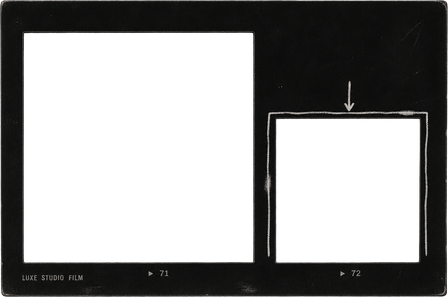
Large and Small — Unequal Square Contact
Large and Small — Unequal Square Contact is a 1523:1010 frame with 2 photo openings. Customize your photos in Luxe Studio on iPhone.
1523:1010 starting format · 2 photo openings
Scan to open this frame on your iPhone.
How to use this frame
- Open this frame in Luxe Studio.
- Tap Use This Frame to create a canvas with this exact layout.
- Add your photos to its openings and customize the canvas.