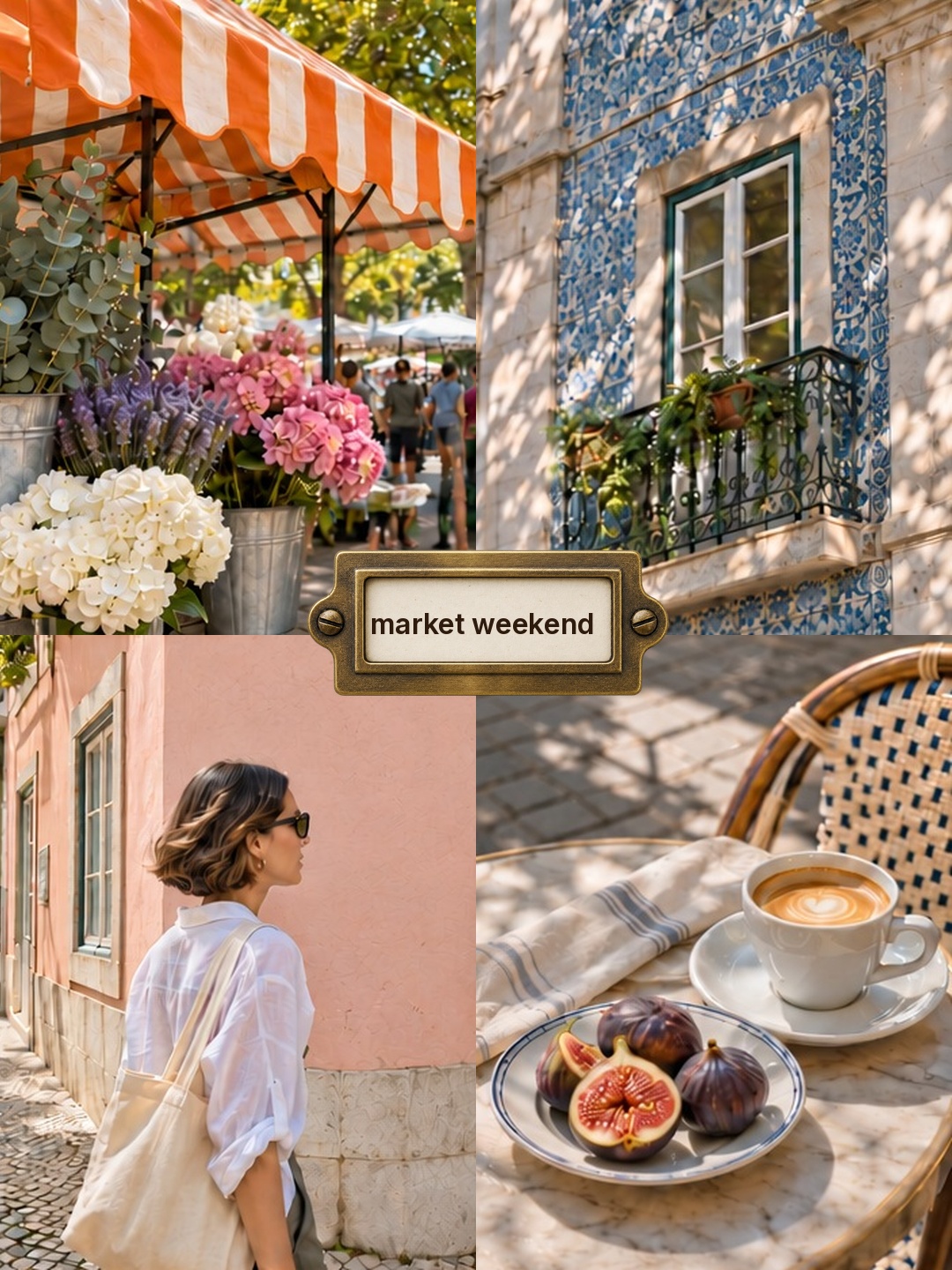
Market Weekend
Free
1 variations
Canvas / Carousel template
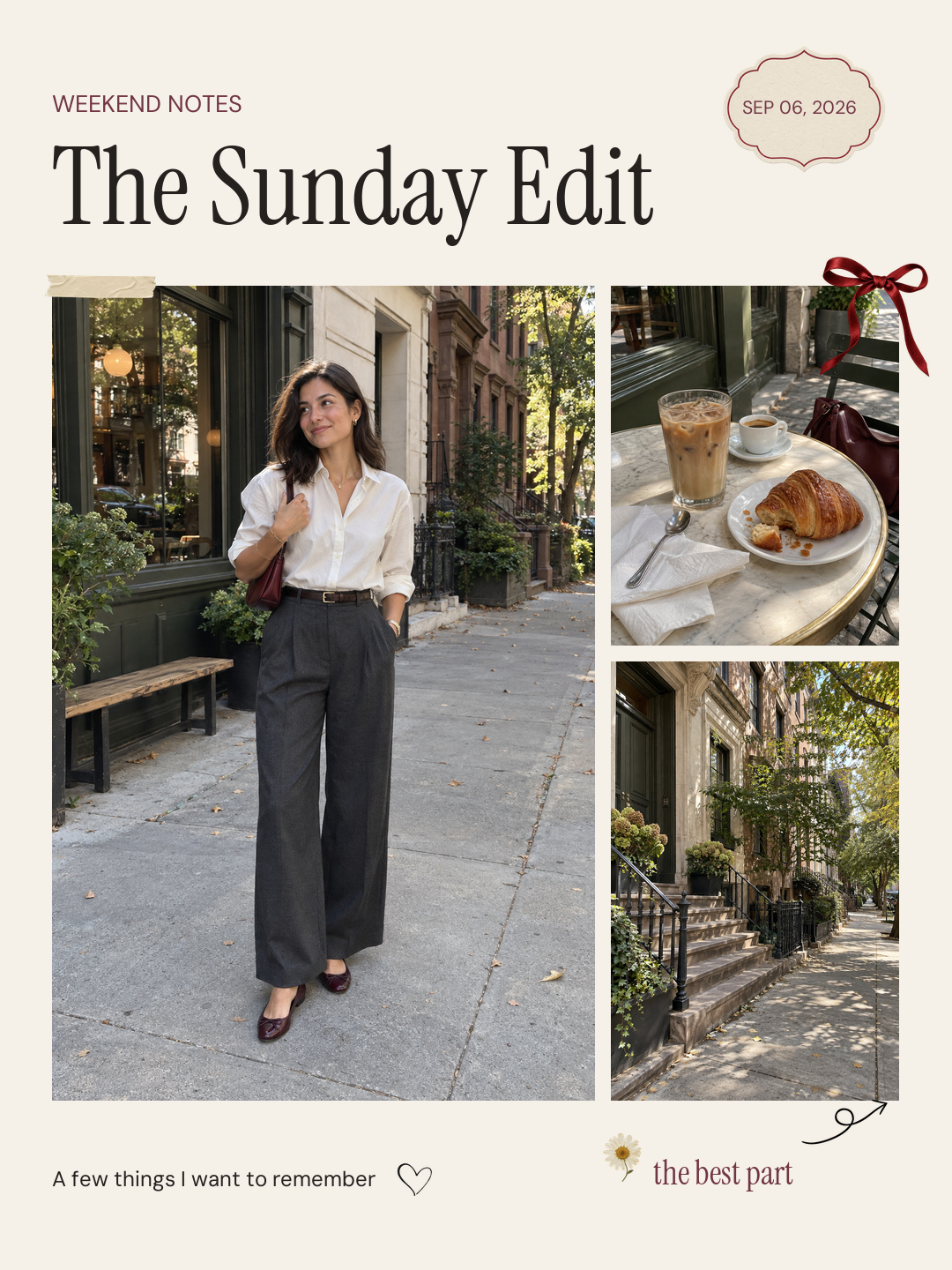
Make a Sunday magazine page with up to three photos, editable notes, and six scrapbook stickers.
Free
3:4 starting format. You can change the format in the editor.
Use Template is available in the iPhone app.
1 slide
Scan to view this template. If you don’t have Luxe Studio yet, the page includes the download link.
View this template’s linkPair a favorite portrait with two smaller moments in a resizable Grid. The burgundy masthead, labeled date, and movable scrapbook stickers give your photos the feel of a saved magazine page.
Choose up to 3 photos or dismiss the picker. You can fill the remaining slots in Canvas.