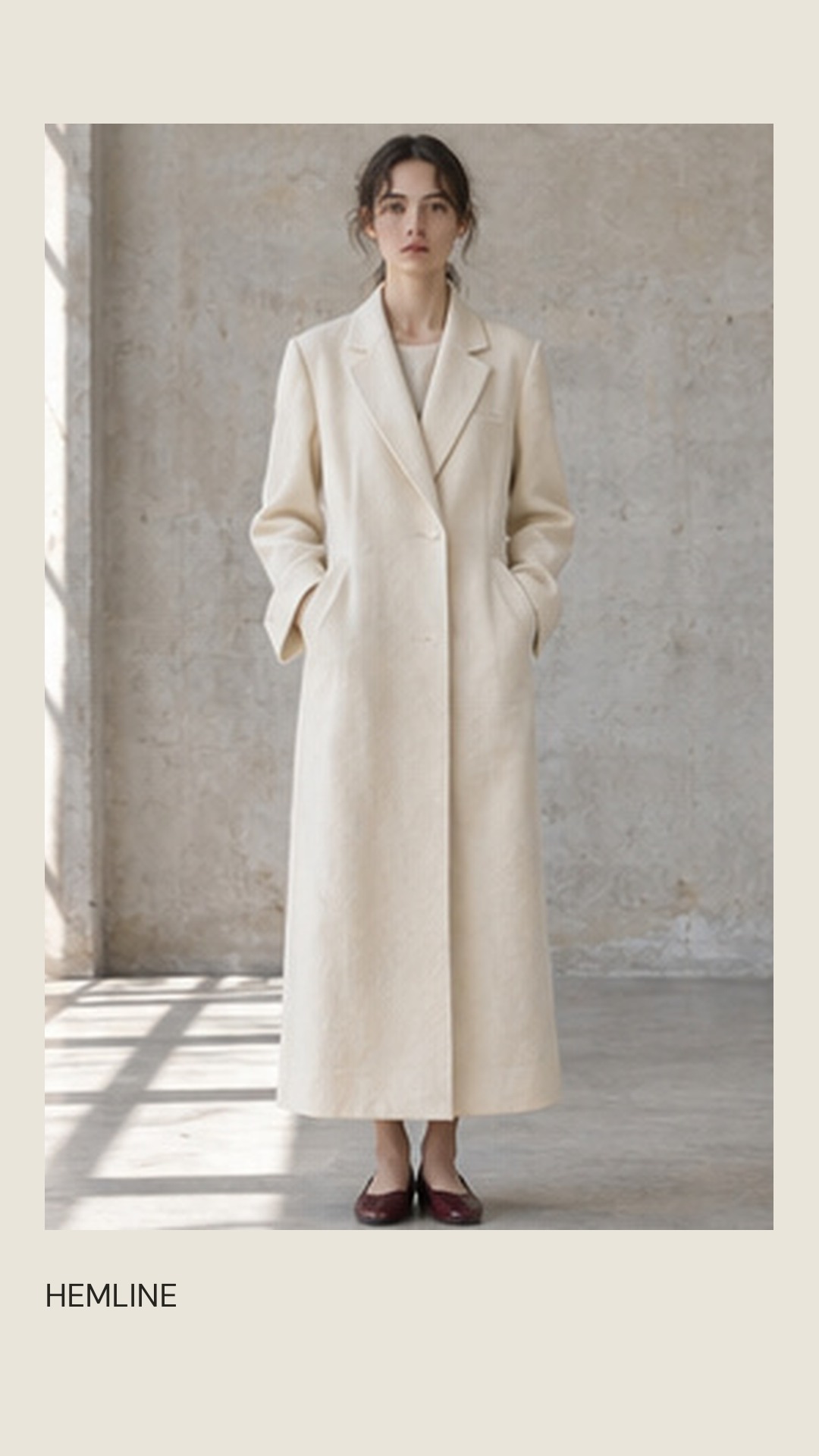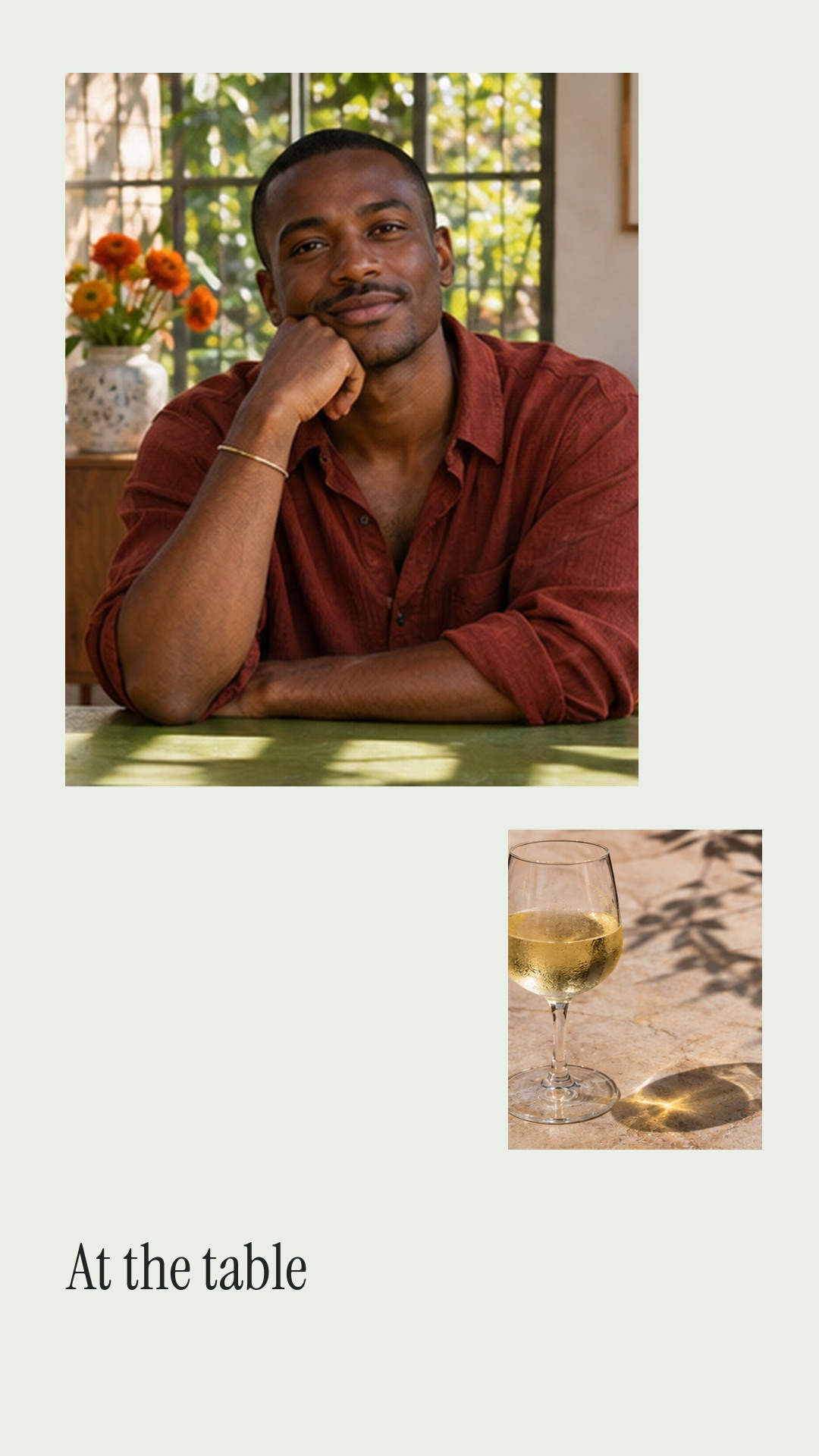
Names at the Table
Free
Canvas / Carousel template
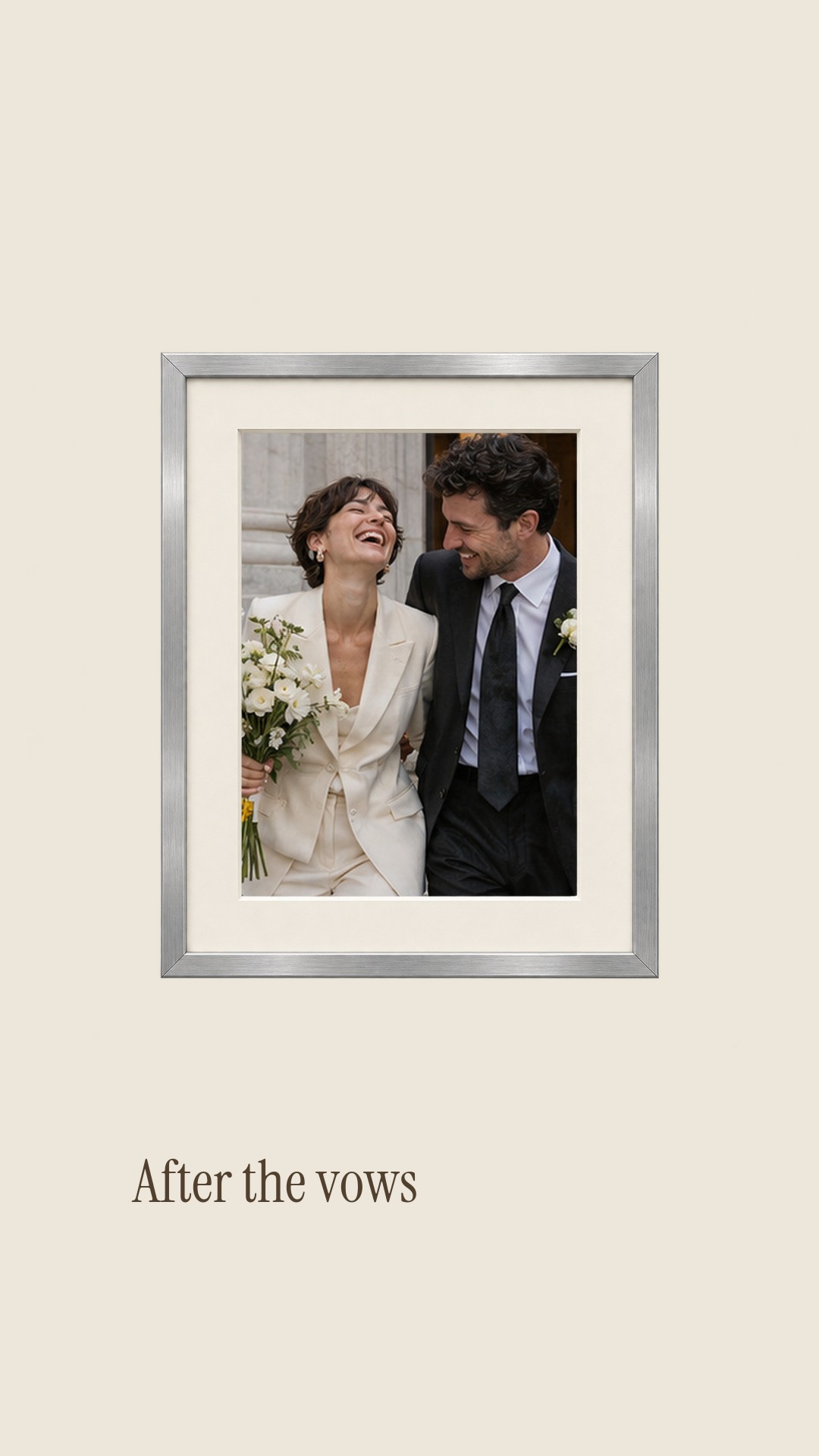
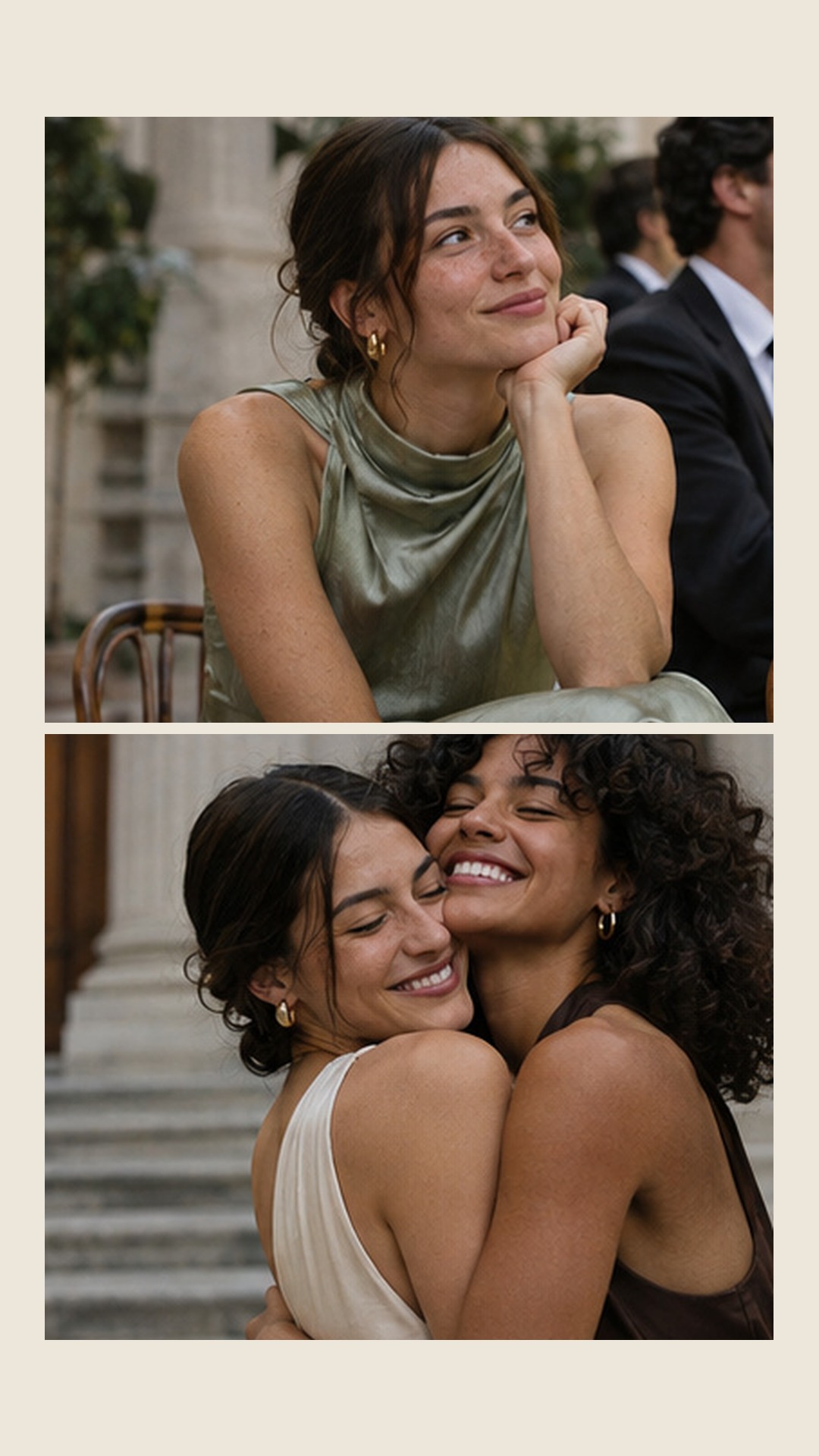
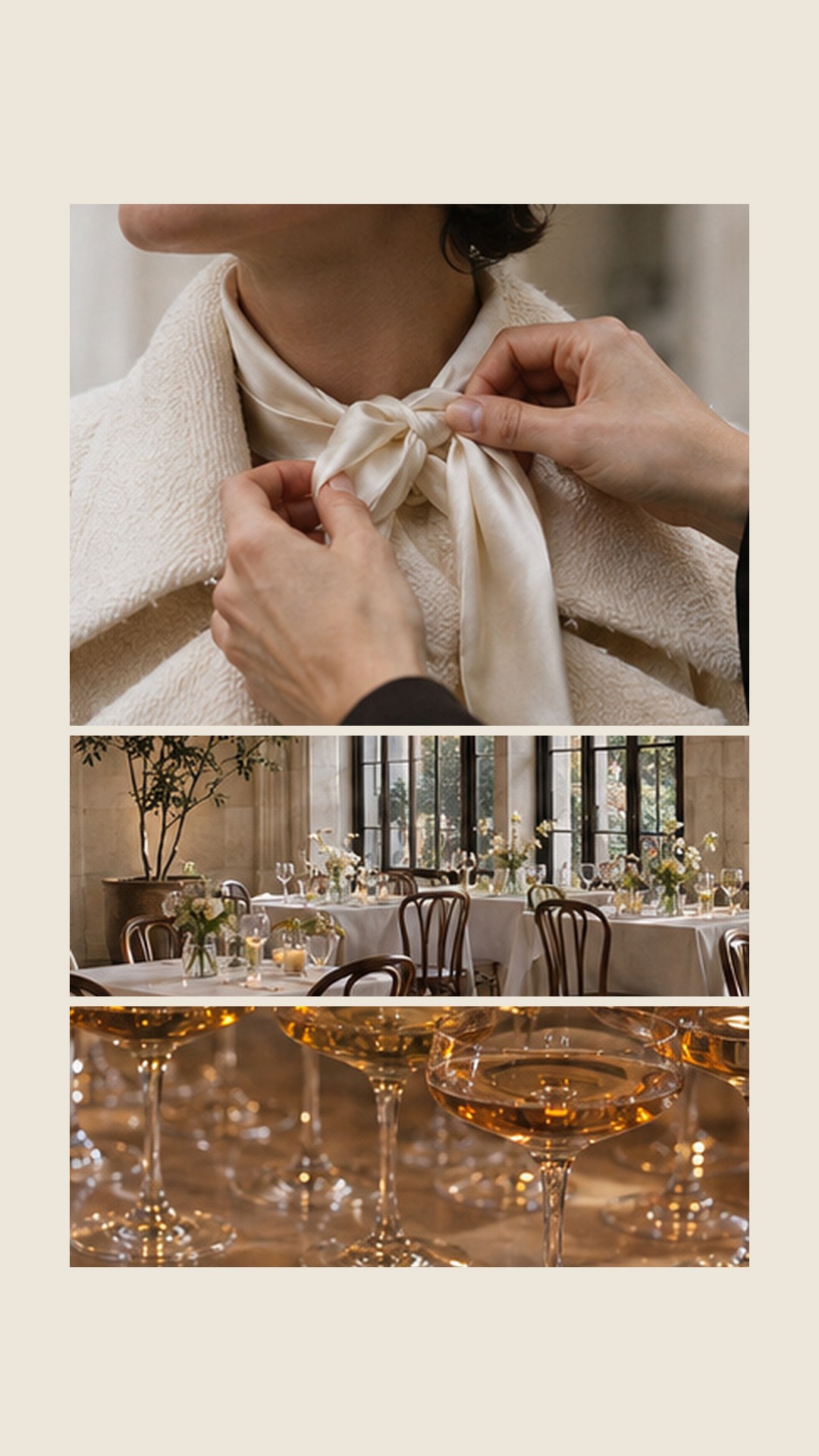
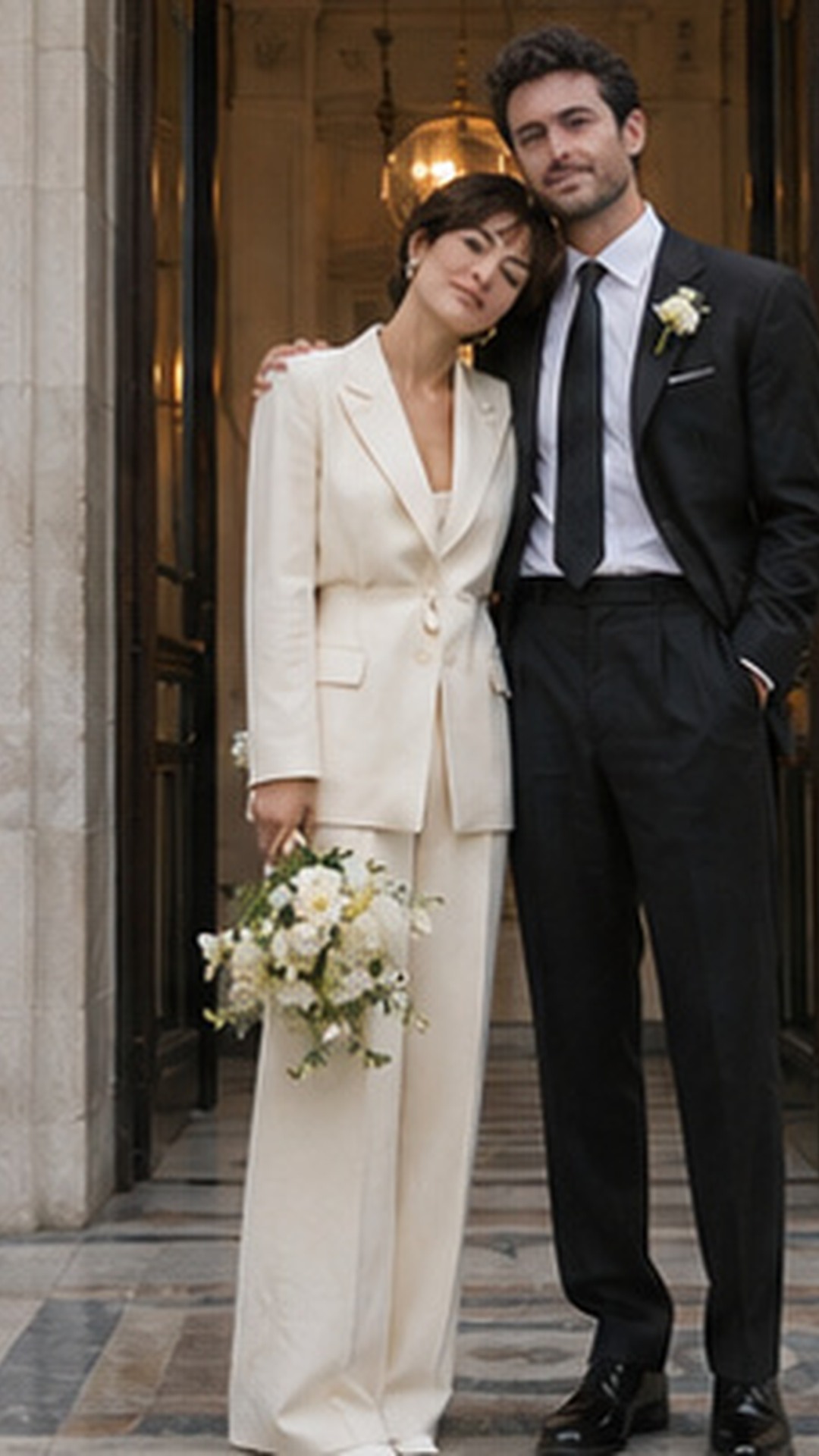
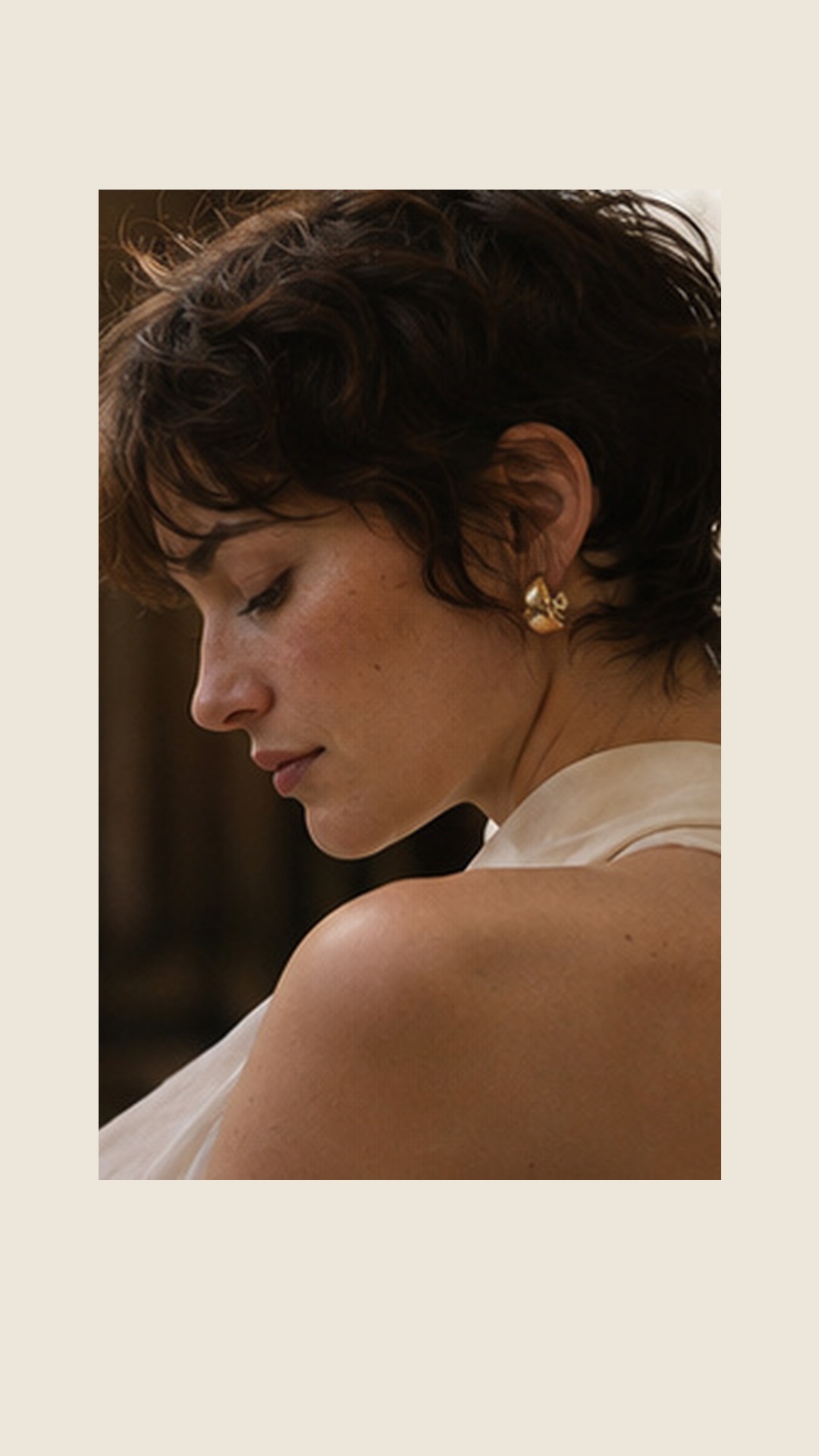
A silver-framed wedding portrait opens a five-slide album of guests, details and quiet portraits.
Free
9:16 starting format. You can change the format in the editor.
Use Template is available in the iPhone app.
5 slides
Scan to view this template. If you don’t have Luxe Studio yet, the page includes the download link.
View this template’s linkA silver-framed wedding portrait opens a five-slide album of guests, details and quiet portraits. Fill the opening Frame with the couple, then add the guest photographs and two closing portraits.
Choose up to 8 photos or dismiss the picker. You can fill the remaining slots in Canvas.