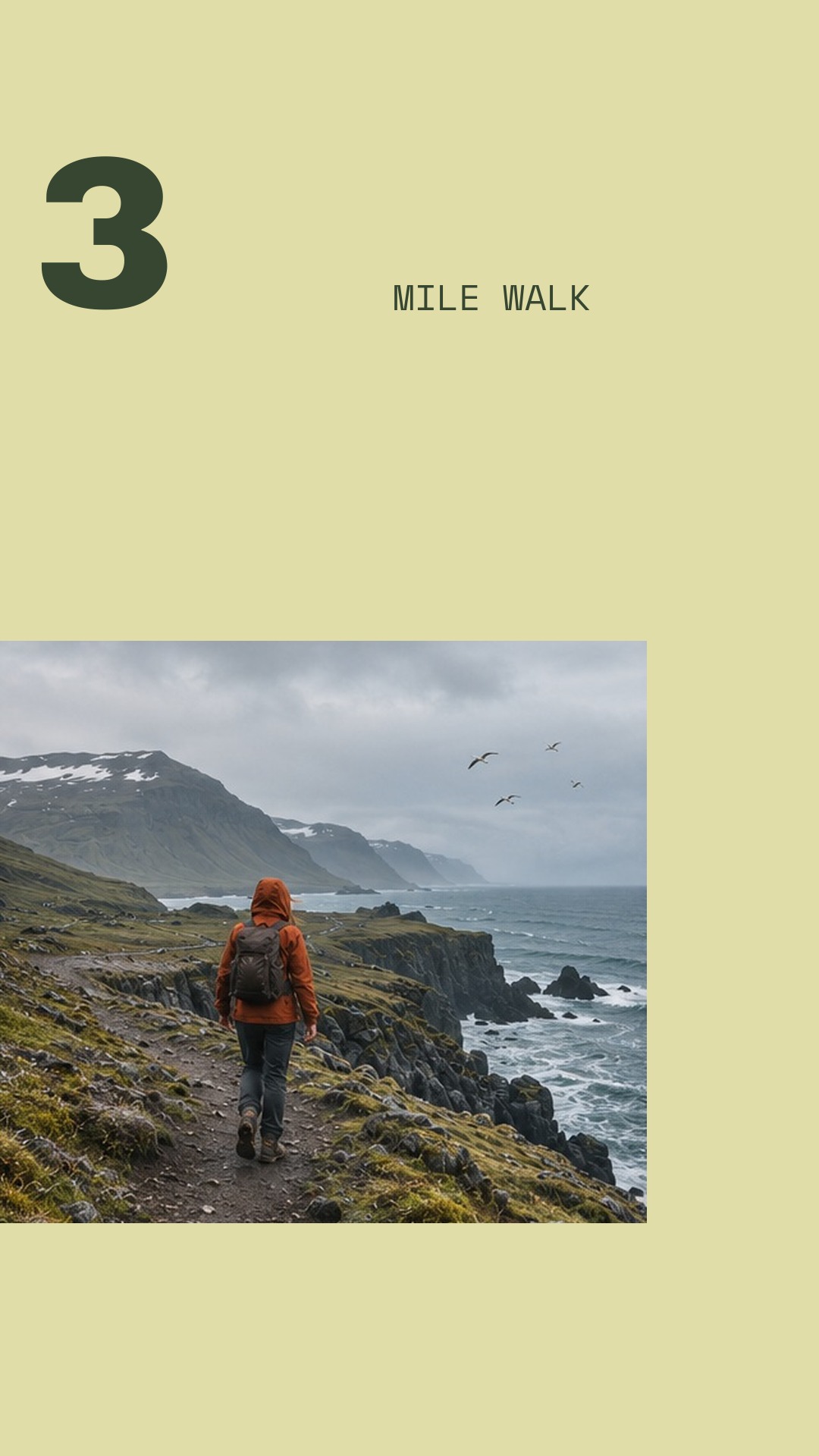
Three Mile Walk
Free

Canvas / Carousel template
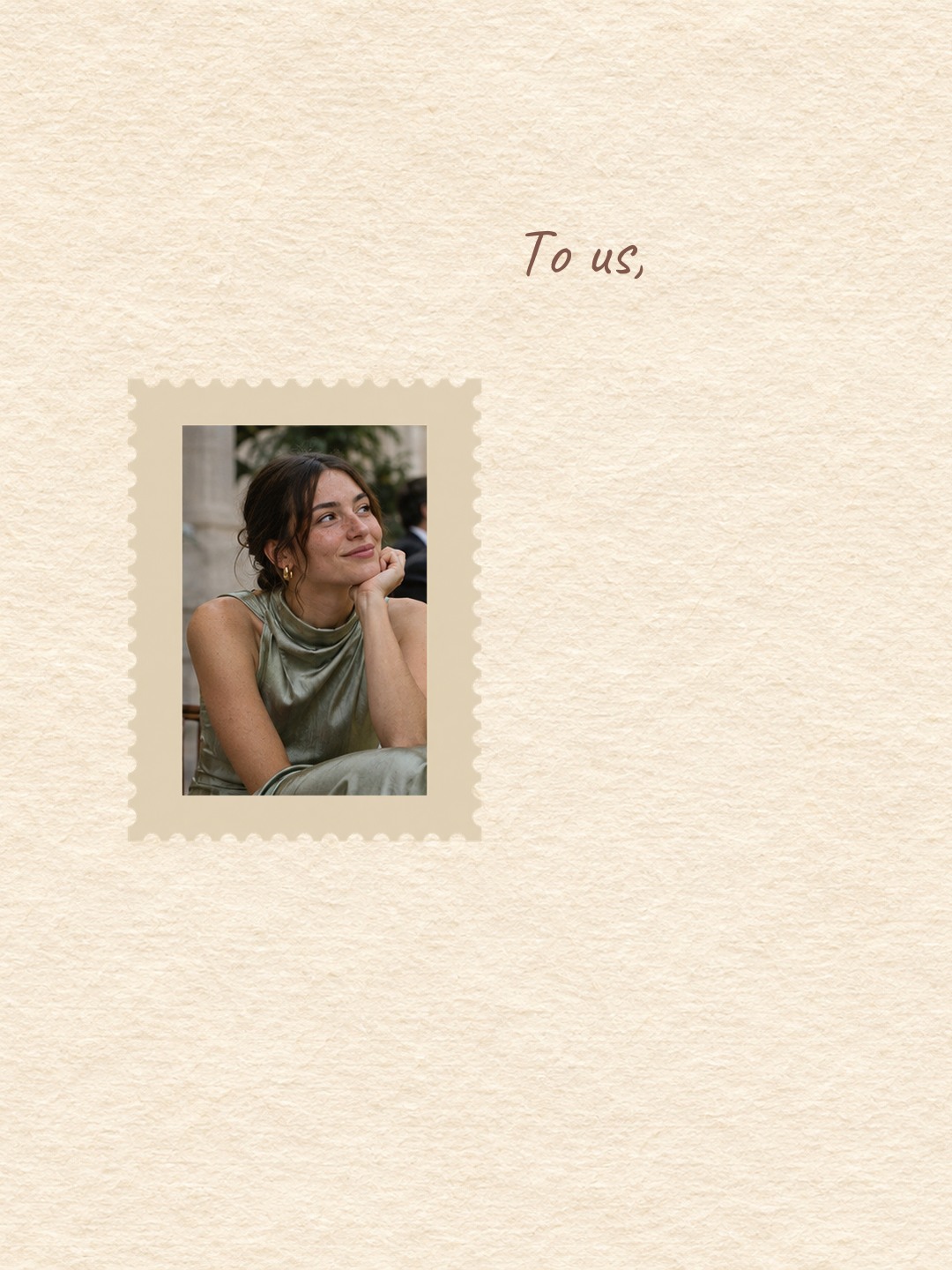
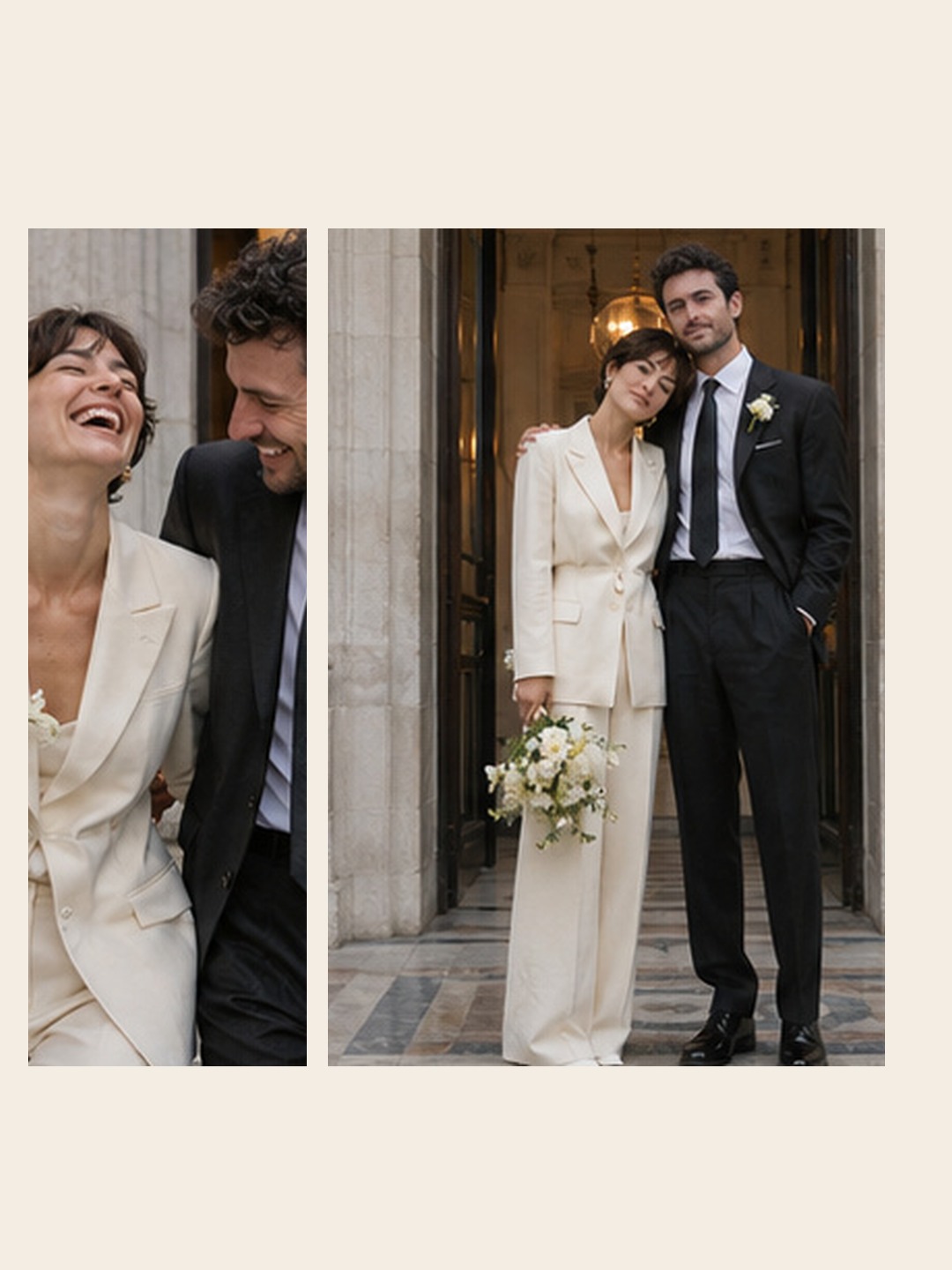
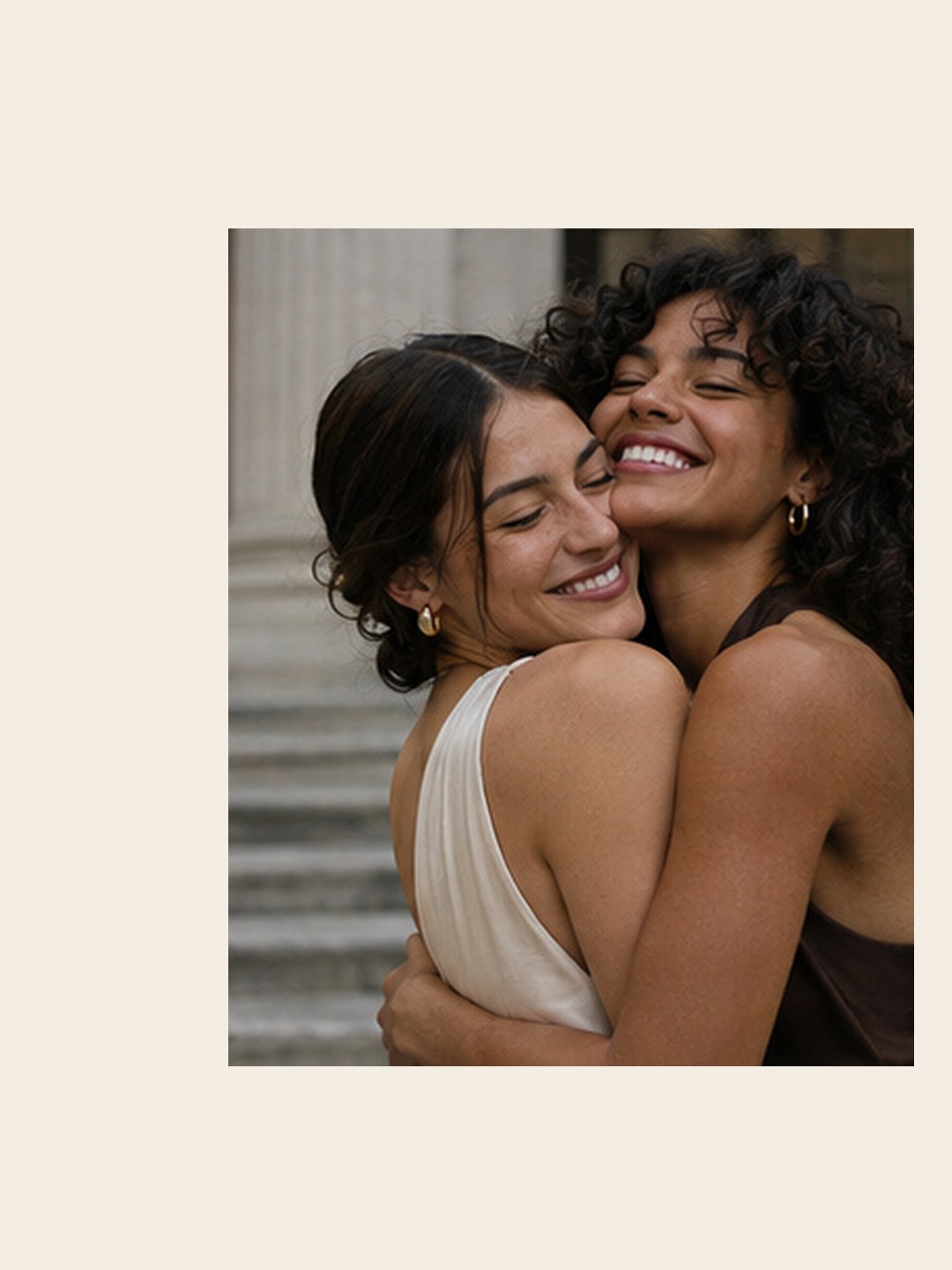
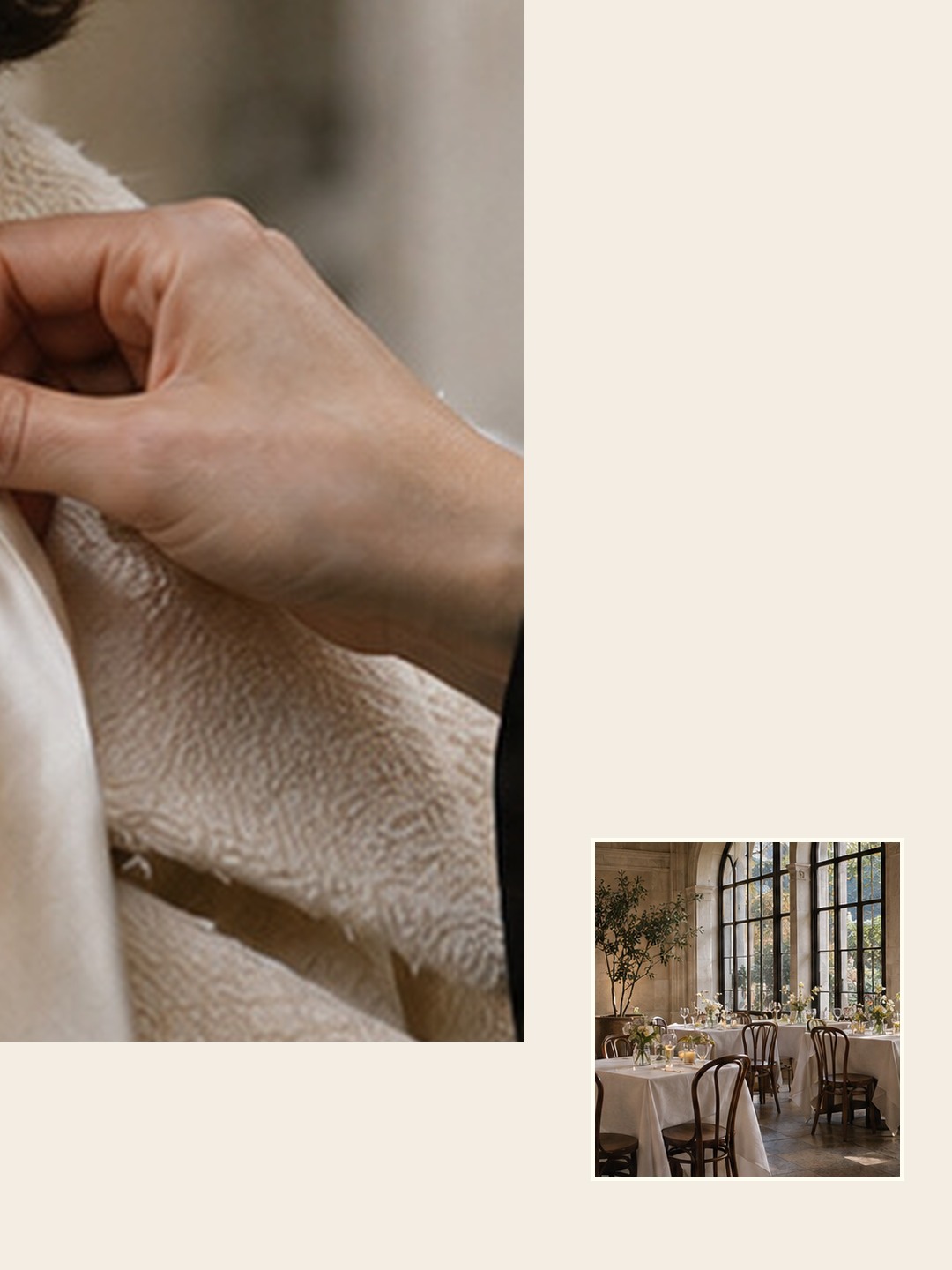
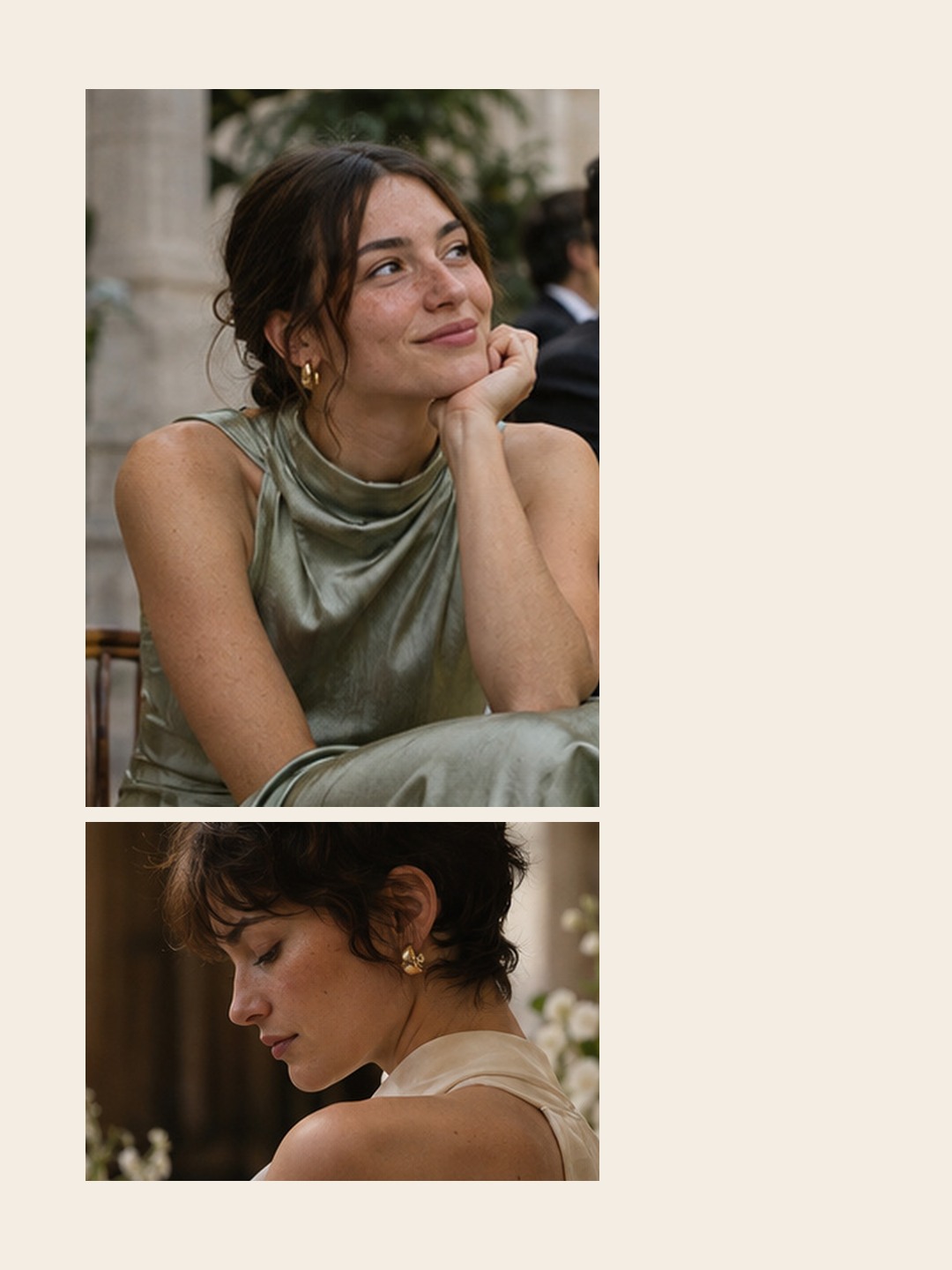
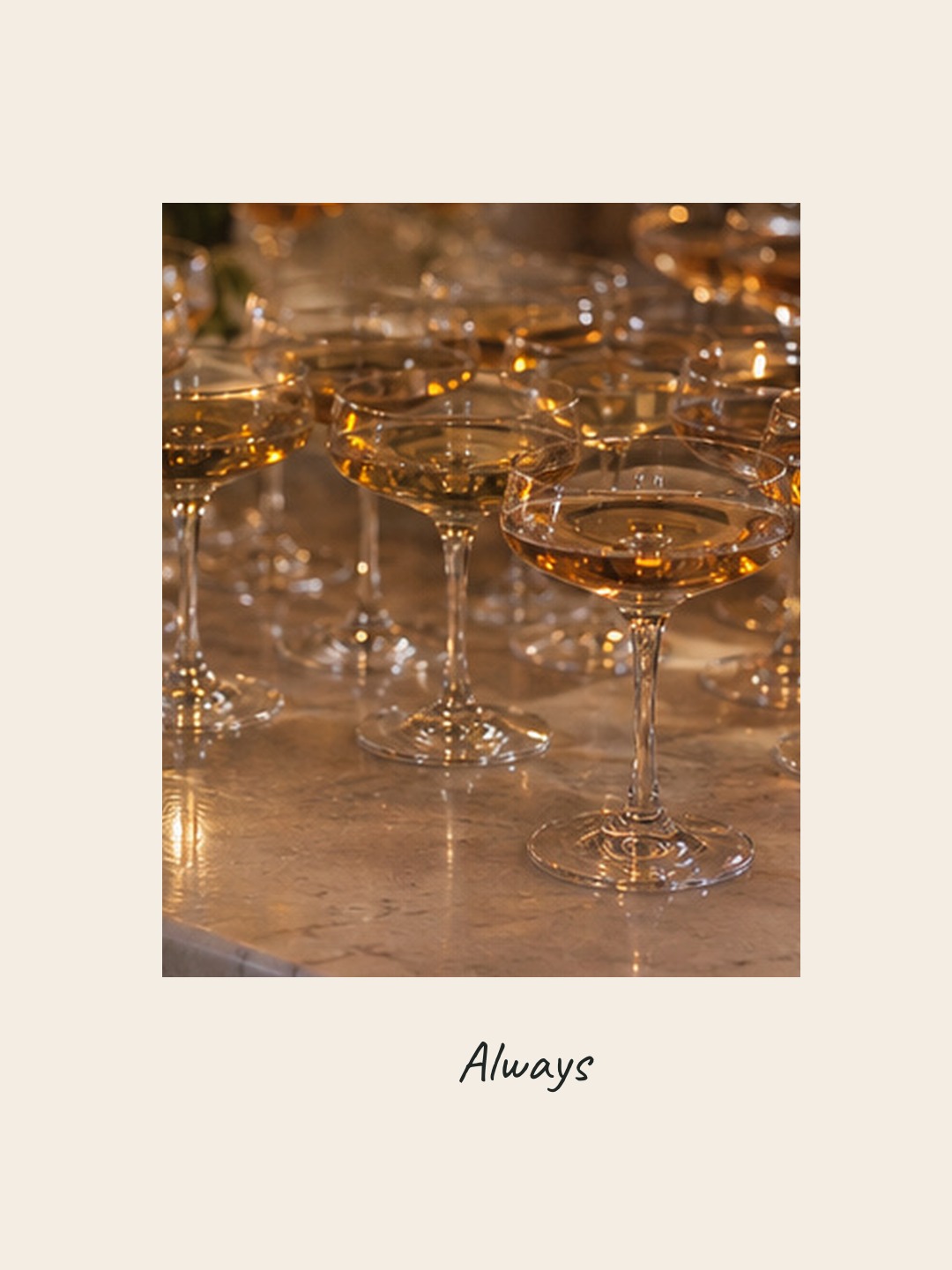
A dedication is written beside a portrait in an ivory postage Frame. Three spreads pair the guests, the setting and the ceremony before a signed closing photograph.
Free
3:4 starting format. You can change the format in the editor.
Use Template is available in the iPhone app.
7 slides
Scan to view this template. If you don’t have Luxe Studio yet, the page includes the download link.
View this template’s linkA dedication is written beside a portrait in an ivory postage Frame. Three spreads pair the guests, the setting and the ceremony before a signed closing photograph. Choose up to 9 photographs in reading order, following the filled slide strip.
Choose up to 9 photos or dismiss the picker. You can fill the remaining slots in Canvas.